Hand it over. Let them draw.
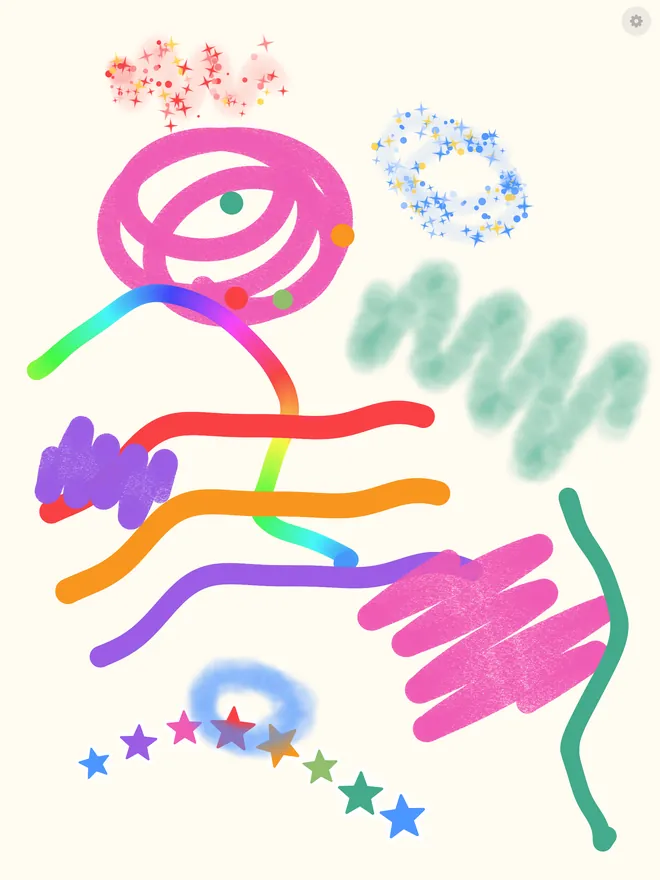
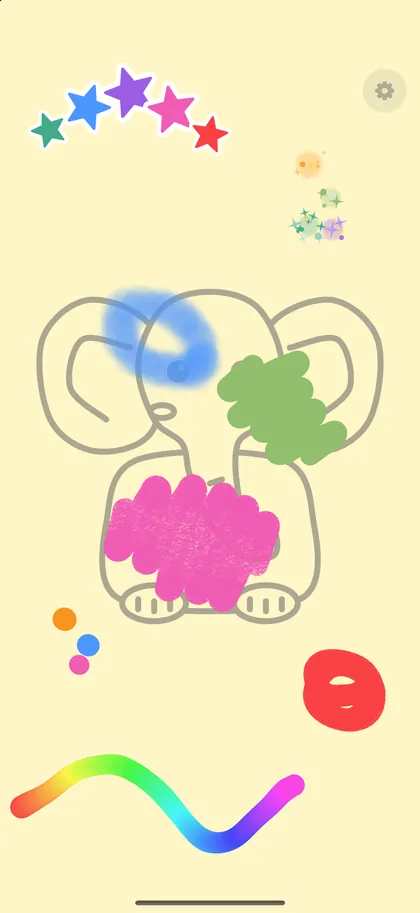
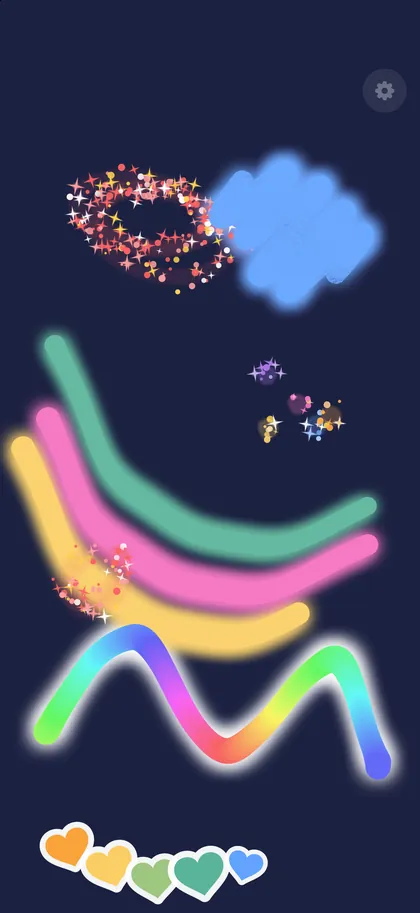
Baby Art is a drawing canvas for babies and toddlers. Every finger paints, every stroke brings a new color, and there's nothing on the screen to tap by accident.
- $1.99 once
- No ads
- No account
- No tracking
 Download on the App Store
Baby Art on iPhone and iPad
Why parents like it
Every finger draws
Little ones use their whole hand, so every finger on the screen draws its own line at the same time.
Colors pick themselves
Each new stroke gets a fresh color from a cheerful palette. Nothing to choose and nothing to learn.
Nothing to tap by accident
No buttons, menus or links on the canvas, and swipes from the edge are held back while they draw.
Only grown-ups get out
Hold the small corner button, then tap the animal named in writing. Little ones can't read it yet, and it's the only way to settings.
Shake to start over
Give it a shake: the drawing is saved to the gallery and a fresh canvas appears.
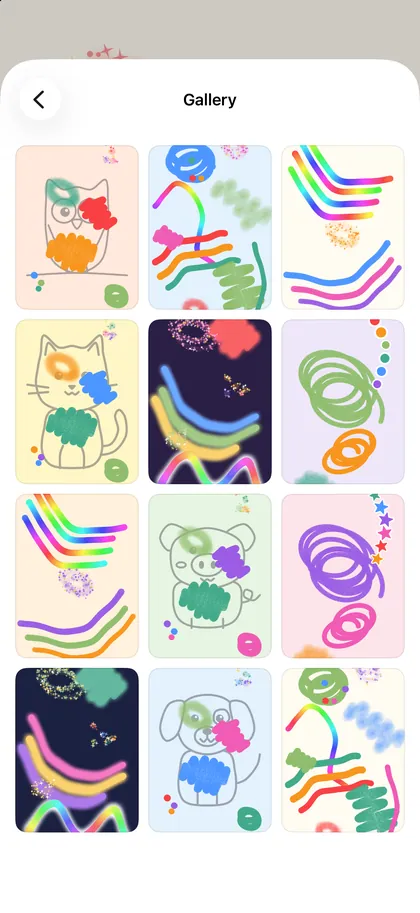
Their art, kept
Every finished drawing goes into a gallery in the app. Grown-ups can share a favorite or save it to Photos.
iPhone and iPad
Made for both, in any orientation. The big iPad screen has room for two hands at once.
No ads, no account, no tracking
Nothing to sign up for and nothing sent anywhere. Baby Art collects no data at all.
Getting out is a grown-up job
The canvas has one small button in a corner, and a quick tap does nothing.
Hold
Press and hold the corner button until the circle fills up.
Tap
Read the line and tap the animal it names. A wrong tap goes straight back to the canvas.
Settings
Start a new canvas, look through the gallery, and choose brushes and sounds.
Lock it down with Guided Access
Guided Access is built into iPhone and iPad. It keeps the device in one app until you end it, so not even the Home gesture takes them out.
- Open Settings › Accessibility › Guided Access, turn it on and set a passcode.
- Open Baby Art and triple-click the side button (the top button on an iPad without a Home button, or the Home button on devices that have one).
- Tap Start and hand it over.
- To end it, triple-click again, enter your passcode and tap End.
Let them draw. Nothing pops up.
Baby Art costs $1.99, once. No account, no ads, no tracking, and nothing your child draws leaves the device.
That's all it ever costs. Every feature and every future update is included, and so are the extra app icons. No subscription, nothing to unlock later, and if something's wrong, you write straight to Peter, who made it.
Questions
What does Baby Art cost?
$1.99, once. Every feature and every update is included, with no ads, no subscription and nothing to buy inside the app, so little fingers can't buy anything by accident. If you downloaded Baby Art while it was free, it stays yours.
Can my child get out of the app?
Not from the canvas: the way out is a press and hold, then tapping the animal a line of text asks for. To lock the Home gesture too, turn on Guided Access.
Does it work on iPad?
Yes. Baby Art works on iPhone and iPad, in any orientation.
Does Baby Art collect any data?
No. There's no account, no ads and no analytics, and the drawings stay on your device.
More questions? See support.
Guides: Guided Access: lock your iPhone or iPad to one app · A finger painting app for babies and toddlers: what matters
Ready when they are
Get Baby Art on the App Store for iPhone and iPad.
Download on the App Store