 Baby Art
A finger painting app for babies and toddlers: what matters
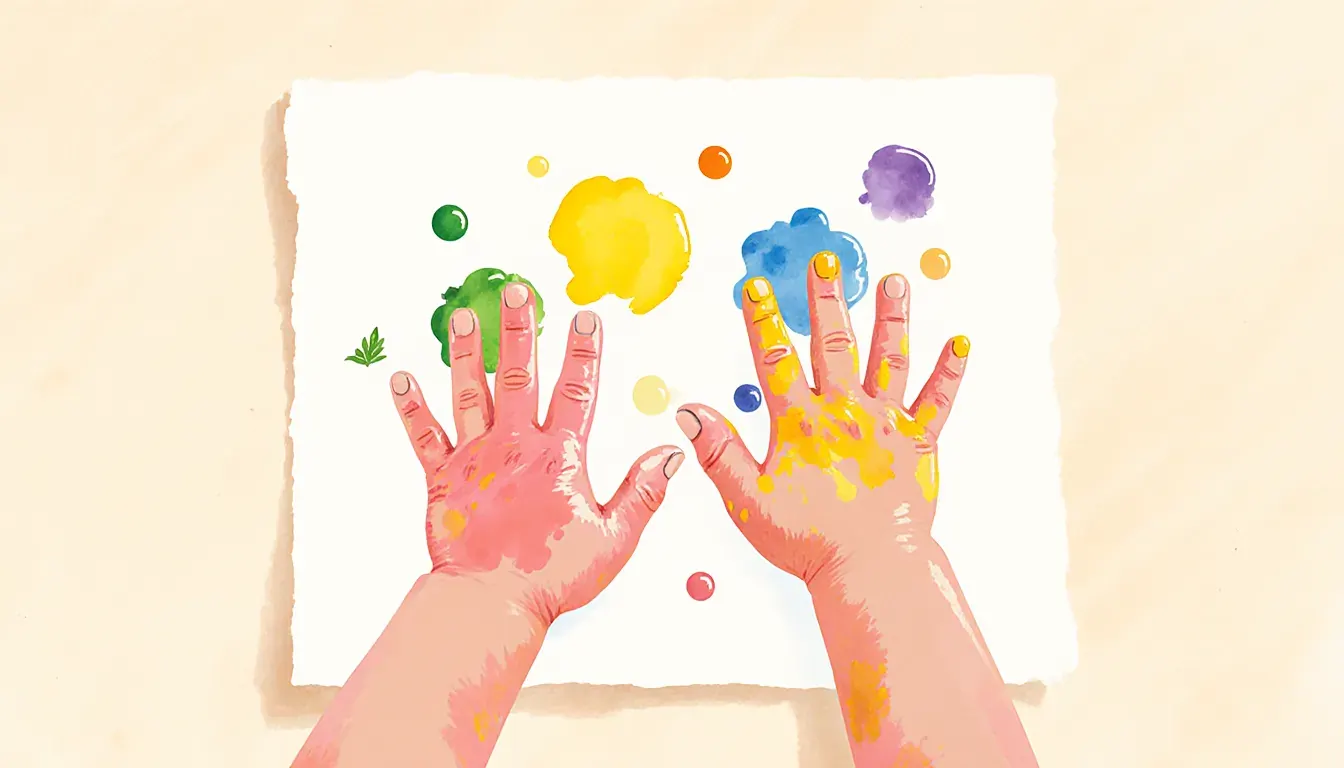
A one-year-old paints with the whole hand, not a fingertip, and taps whatever lights up. So the app has to draw with every finger at once, keep buttons and ads off the screen, and make sure only a grown-up can get out. Here's what to check before you hand over your iPhone or iPad, what kinds of apps are out there, and how I built Baby Art ($1.99, once) to pass the test.
Six things to check
What to check before you hand it over
Try the app yourself before your child does, with your whole hand flat on the screen. If only one line appears, or a toolbar slides in, it's a drawing app for bigger kids.
Three kinds of finger painting apps
Search the App Store for finger painting and you'll find three kinds.
Three kinds of apps, and what a toddler's tap can open
Free with ads. Finger Paint by Ape Apps and Joy Doodle are free to download, and their App Store privacy labels list data used to track you and third-party advertising. An ad is a button, and a toddler taps buttons.
Free to download, paid inside. Drawing for Kids – Baby Games by Bimi Boo and Pinksy have no ads, but only part of the content is free. The rest is unlocked with in-app purchases, which means a paywall your child will find before you do.
Paid once, nothing inside. Baby Art costs $1.99, once. No ads, no purchases, no account, and no tracking.
Two free ones deserve a mention. Finger Painting by Kyle Howells draws with up to ten fingers and has no ads or purchases, but it hasn't been updated since 2020 and has no privacy label. Drawing Games: Draw & Color by RV AppStudios is free with no ads, no purchases and a Data Not Collected label; it's a colouring and connect-the-dots app for kids a bit older than finger painters.
Prices and labels from the US App Store on 7 November 2026. They can change.
Why the colours should pick themselves
A colour wheel is a puzzle to a one-year-old, and it sits between them and the painting. In Baby Art each new stroke simply takes the next colour in the palette, and with Surprise brushes on, the next brush too: crayon, marker, watercolour, glitter, rainbow and stamps take turns. The child never has to choose anything. The colours keep coming and the drawing keeps changing, which is what keeps a toddler at it for more than a minute. A shake sends the drawing to the gallery and starts a fresh canvas.
Every stroke, a new colour
Screens and the under-twos
I make an app for babies, so I'd better say this plainly: paint on paper is better. The World Health Organization's guidance for under-fives is no screen time at all before the age of two. For two-year-olds it's no more than an hour a day, and less is better. In its place: play, and reading with a grown-up. Baby Art is for the moments in between: ten minutes on your lap in a waiting room, the last stretch of a long drive. Sit with them, name the colours, and keep it short.
Source: the WHO's guidelines on physical activity, sedentary behaviour and sleep for children under 5 (2019).
Set it up so it stays fun
- Turn on Guided Access, so a swipe can't take them out of the app and the Home gesture is out of reach.
- Switch on a Focus, such as Do Not Disturb, so calls and notifications don't land on top of the drawing.
- Put a grippy case on it, and lay an iPad flat on the table rather than holding it up.
- In Baby Art's settings, leave just one brush on for a calmer canvas, or put an animal outline under the drawing to colour over.
- The chimes are off to begin with. Turn them on under Sound if you like a little music with the painting.
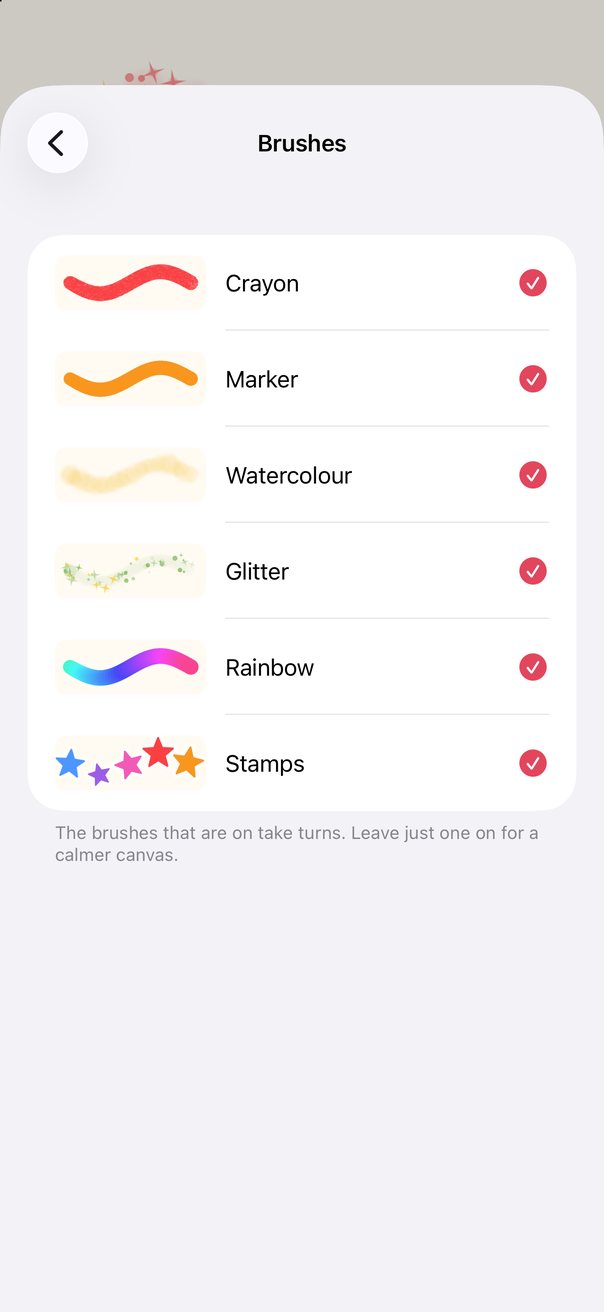 1Six brushes: crayon, marker, watercolour, glitter, rainbow and stamps
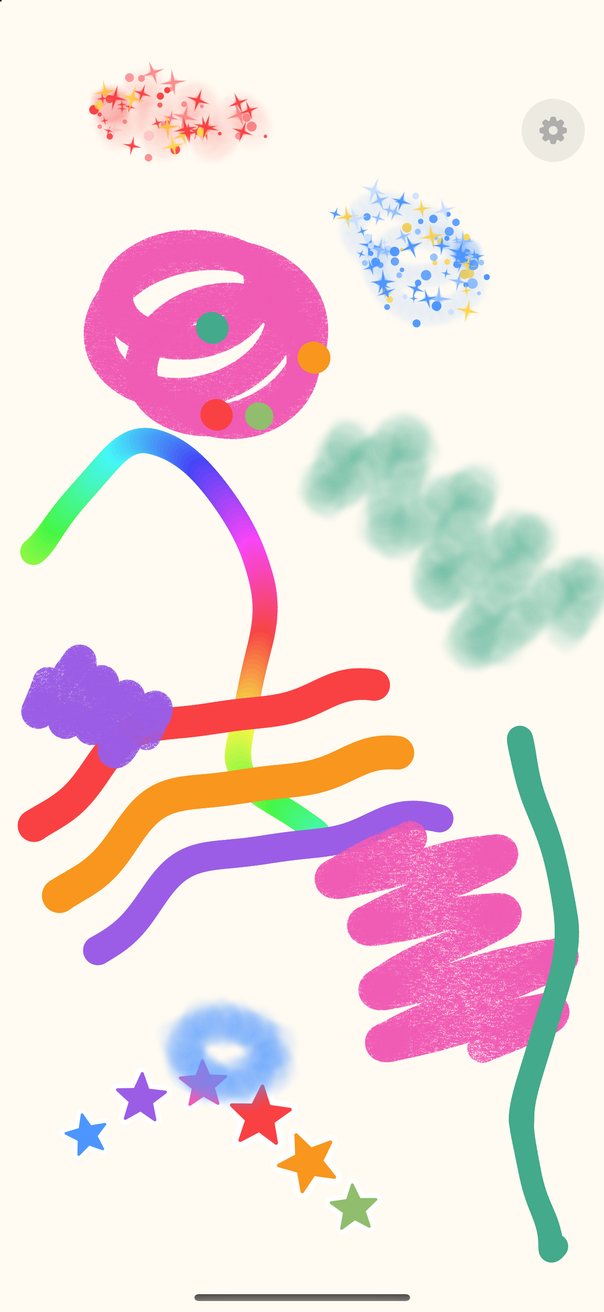 2The only button, and a tap does nothing3A new colour with every stroke
- Six brushes: crayon, marker, watercolour, glitter, rainbow and stamps
- The only button, and a tap does nothing
- A new colour with every stroke
Questions
Is Baby Art free?
No. It costs $1.99, once, with no ads, nothing to buy inside and no subscription. If you downloaded it years ago while it was free, it stays yours.
From what age?
From the first scribbles, around one, to about four. The App Store lists it in the Kids category for ages five and under.
iPhone or iPad?
Both, on iOS 17 or later. The iPad's bigger screen has room for two hands at once.
Can we keep the drawings?
Every finished drawing goes into a gallery in the app. From the settings behind the grown-up gate you can share one or save it to Photos.
Does it work with Apple Pencil?
Yes. The Pencil draws like a finger, and some brushes respond to how hard you press.